
Welcome, New Member!
Here's how to get started with your TCCCC membership. Follow these simple steps to complete your registration.
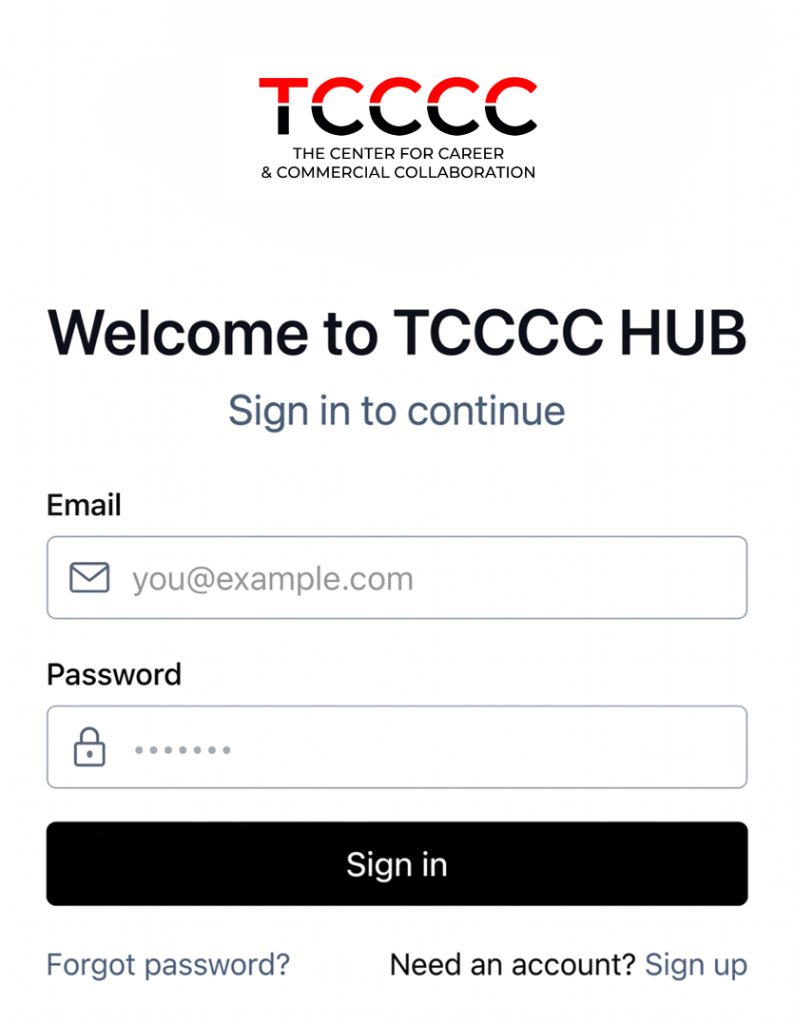 Need an account? Sign up
Step 1
Create Your Account
Sign up with your email address and set a password. This creates your login credentials for the TCCCC members portal.
Step 2
Verify Your Email
Check your inbox for a verification code sent to your email. Enter the code to confirm your email address.
Step 3
Fill In the Member Form
Complete your membership application form with your personal and professional details. This helps us learn more about you.
Step 4
Wait for Admin Approval
Your application will be reviewed by our admin team. This usually takes 1–2 business days. You will be notified once approved.
Step 5
Log In & Access Members Area
Once approved, log in again with your email and password to access the full TCCCC members portal.
Already have an account?